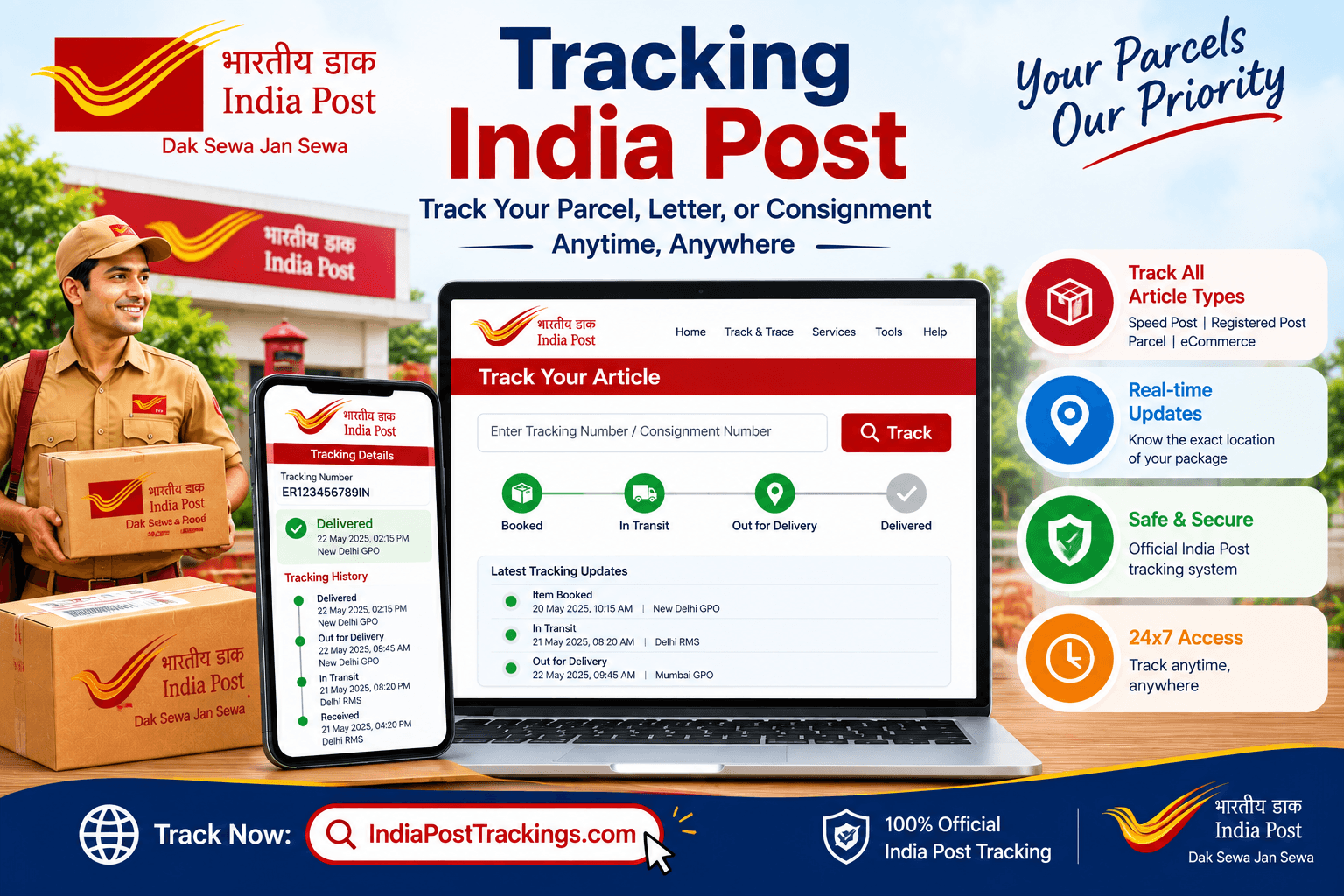
Tracking India Post shipments comes down to having the right consignment number and knowing which tool fits your situation best.
Some people prefer a quick website check, others rely on an app, and businesses handling many shipments often need a way to check several codes at once.
This guide walks through every practical method for tracking India Post items, explains how to read your tracking number, and covers what to do when a code doesn’t return a result.
India Post processes shipments across thousands of post offices nationwide, and each one generates its own scan history tied to a unique code.
Once you understand how that code is structured and which tools can read it, tracking becomes a two minute task instead of a guessing game.
What makes tracking India Post shipments a little different from tracking with a private courier is the sheer scale of the network involved.
Because the postal system reaches even the smallest towns and villages, a single shipment can pass through several regional hubs before reaching its final destination, and each of those handoffs is logged separately. Knowing this helps set realistic expectations for how often you should expect to see a new update, rather than refreshing a page every few minutes.
Table of Contents
- Tracking Through a Website Tool
- Using the Official India Post Portal
- Tracking India Post Through a Mobile App
- SMS Tracking for Areas With Limited Internet
- Tracking Multiple Shipments at Once
- Decoding Your Tracking Number
- Fixing a Tracking Number That Returns No Result
- Frequently Asked Questions
Tracking Through a Website Tool
For most people, the quickest way to check a shipment is through an independent tracking website. Enter your consignment number into a tool such as indiaposttrackings.com, and you’ll see the current status, last recorded location, and the full timeline of scans from booking through delivery. No account or app download is needed, which makes this the go to option for a one off check.
Using the Official India Post Portal
The Department of Posts also runs its own tracking portal directly on indiapost.gov.in under the Track and Trace section. This is the source that both website tools and the SMS system pull their data from, so it’s useful to know it exists, particularly if you need an official screenshot or printout for a complaint or compensation claim.
Tracking India Post Through a Mobile App
If you check tracking status often, a dedicated app can be more convenient than opening a browser each time.
The Department of Posts offers the official PostInfo app, available on both Android and iOS, which includes an article tracking feature built specifically for checking consignment status on the go.
It’s a solid option for anyone who regularly sends or receives shipments and wants updates without bookmarking a website.
SMS Tracking for Areas With Limited Internet
Not everyone has reliable internet access when they need a status update, and India Post accounts for that with SMS based tracking.
Send a text message reading POST TRACK followed by your consignment number, in uppercase, to either 166 or 51969.
You’ll receive a reply containing the current status of your shipment, making this a dependable fallback in areas with weak connectivity.
Tracking Multiple Shipments at Once
Businesses, banks, and anyone sending several items regularly often need to check more than one tracking number in a single session.
This is common for institutional mailings such as bank statements, cheque books, or PAN card dispatches, which are typically sent in bulk under a separate prefix code from individual bookings.
Many tracking tools support entering multiple consignment numbers together, and the official portal also allows checking several codes in one search, which saves considerable time compared to looking each one up individually.
Decoding Your Tracking Number
An India Post tracking number is built from thirteen characters, and each part carries specific meaning once you know how to read it.
| Part | Meaning | Example |
|---|---|---|
| First letter | Service and booking type, such as E for individual Speed Post or A for bulk institutional mailings | E |
| Second letter | State or region code where the item was booked | K |
| Middle nine digits | Unique identification number for that specific shipment | 403807171 |
| Final two letters | Destination country code | IN |
Recognizing the first letter alone can tell you whether you’re looking at an individual booking or part of a bulk institutional dispatch, which is useful context before you even check the live status.
Choosing the Right Tracking Method for Your Situation
With several ways available for tracking India Post shipments, it helps to match the method to the moment rather than defaulting to whichever one you used last.
A one time personal check is usually fastest through a website tool, while someone who tracks shipments regularly may prefer installing the PostInfo app so updates are always a tap away.
Travelers or people in areas with unreliable data coverage benefit most from the SMS option, since it works over a basic text message without needing a data connection at all.
Businesses or bulk senders, on the other hand, typically save the most time by using a tool that supports checking multiple consignment numbers together rather than repeating the same search one code at a time.
There’s no single best method for everyone. The right choice simply depends on how often you’re checking, whether you have internet access at that moment, and how many shipments you’re keeping an eye on.
Fixing a Tracking Number That Returns No Result
A code that comes back empty usually points to one of a few common issues rather than a lost shipment. Double check the number for easily confused characters, since the letter O and the digit 0, the letter I and the digit 1, and the letter B and the digit 8 are frequently mistyped.
Confirm you’re copying the full thirteen character code without extra spaces. If the item was booked within the last day, give it up to 24 hours for the first scan to register in the system. If none of that resolves it, contact your local post office with the receipt in hand, since staff can look up internal records that may not yet be reflected on the public tracking page.
Final Thoughts
Tracking India Post shipments doesn’t need to be complicated once you know the options available to you, from a quick website check to SMS updates in low connectivity areas. For everyday tracking, indiaposttrackings.com offers a fast, no login way to check your shipment’s live status in seconds, whenever you need it.
FAQs
What is the easiest way for tracking India Post shipments?
Entering your consignment number into an online tracking tool such as indiaposttrackings.com is usually the fastest method, since it shows your status instantly without needing an account.
Can I track more than one India Post consignment at the same time?
Yes. Many tracking tools and the official portal support entering multiple consignment numbers together, which is useful for businesses or bulk senders tracking several items at once.
Is there an official app for tracking India Post shipments?
Yes. The Department of Posts offers the PostInfo app, which includes an article tracking feature for checking consignment status from a mobile device.
What does the second letter in my tracking number mean?
The second letter typically corresponds to the state or region code where the item was booked, helping identify where the shipment originated.
Why does my tracking number return no result?
This usually happens due to a typo in the code, commonly mixing up characters like O and 0, I and 1, or B and 8, or because the item was booked too recently for the first scan to appear.
How do businesses track bulk India Post shipments?
Bulk shipments, such as bank statements or PAN card dispatches, often use a different prefix letter in the tracking code and can be tracked the same way as individual shipments, one code at a time or in batches where supported.