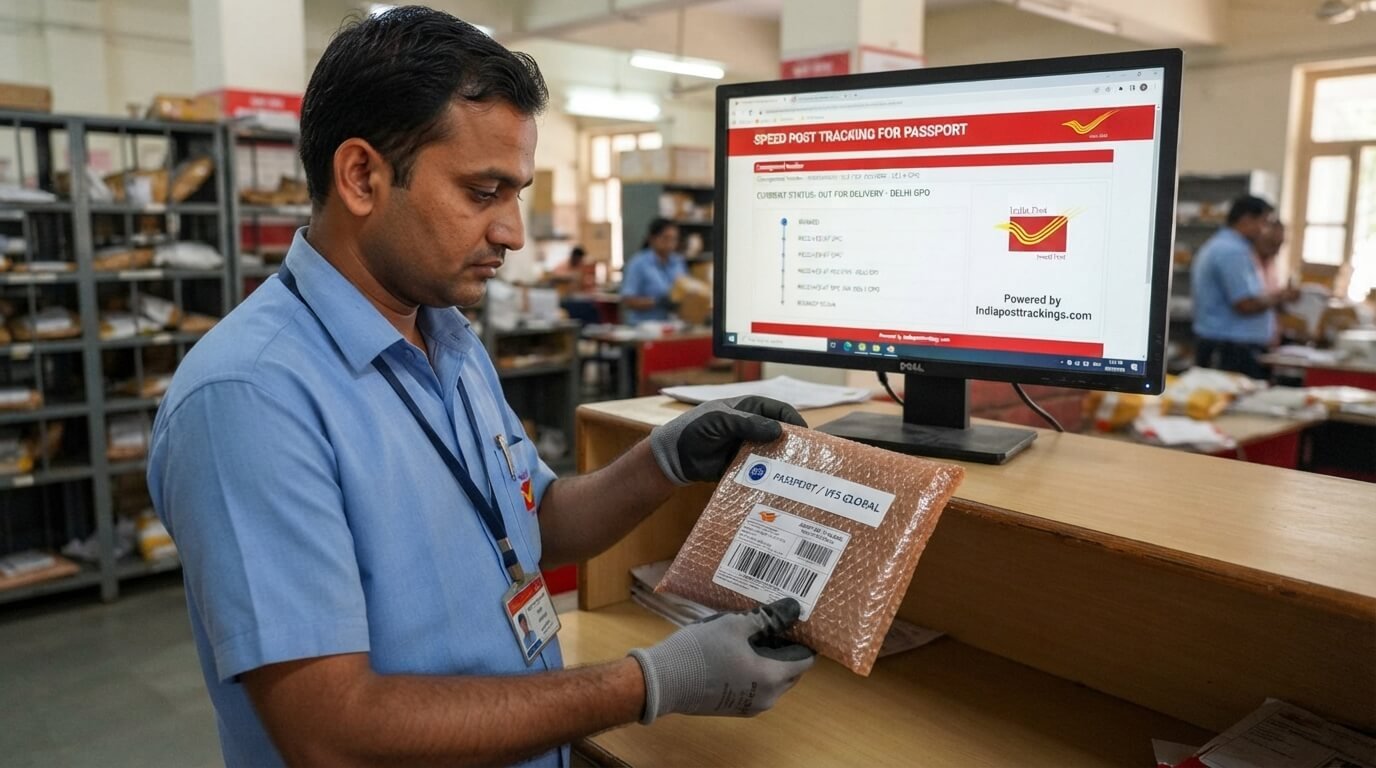
Waiting for your passport after receiving a dispatch message can be stressful, especially when you do not know where the envelope is or when it will arrive.
Fortunately, once your passport has been dispatched through India Post Speed Post, you can follow its delivery using the Speed Post tracking number associated with the shipment.
The important thing to remember is that passport application tracking and passport delivery tracking are different. Passport Seva can show whether your application is being processed, printed, or dispatched, while India Post tracking shows the movement of the physical passport through the postal network.
This guide explains exactly how speed post tracking for passport works, where to find the tracking number, what different delivery statuses mean, and what to do if your tracking information is not appearing.
How to Track Your Passport by Speed Post
Once your passport has been dispatched, you need the Speed Post consignment number to check its delivery progress.
Follow these steps:
1. Find Your Passport Tracking Number
Look for the consignment or tracking number in the dispatch SMS, email, or Passport Seva application information.
The number is usually a 13-character postal tracking code. Passport-related tracking examples commonly use a PP prefix, although you should always use the exact number provided with your shipment rather than guessing the format.
2. Open the India Post Tracking Service
Go to the official India Post website and use its Track ‘N’ Trace facility.
This is the appropriate place to check the postal movement of a passport after it has been dispatched.
3. Enter the Consignment Number
Enter the complete Speed Post number exactly as provided.
Do not remove the letters at the beginning or the IN at the end if they are included in your tracking number.
4. Check the Latest Status
After submitting the number, the available tracking information can show events such as booking, dispatch, transit, arrival at a delivery office, out-for-delivery status, and delivery.
The exact events displayed can vary depending on the shipment and postal scans.
What Is a Passport Speed Post Tracking Number?
A passport Speed Post tracking number is the unique consignment number assigned to the postal shipment carrying your passport.
A commonly seen format is similar to:
PP123456789IN
The tracking number identifies the physical postal article. It is different from your passport application file number.
This difference is important because many applicants accidentally try to use their passport file number when they actually need the Speed Post consignment number for delivery tracking.
Passport File Number vs Speed Post Tracking Number
These two numbers serve different purposes.
Passport File Number:
Used for checking your passport application and processing status through Passport Seva.
Speed Post Tracking Number:
Used for following the physical passport shipment after it has been dispatched through India Post.
For example, if your Passport Seva status says that your passport has been dispatched, you need the postal consignment number to follow the envelope’s journey through India Post.
This distinction is one of the most important things to understand when checking passport status online.
Where Can I Find My Passport Speed Post Tracking Number?
If you have received a message saying that your passport has been dispatched, check the following places:
- Passport Seva SMS
- Registered email account
- Passport application status
- Dispatch information
- Information provided by the passport office
The dispatch message can contain the Speed Post tracking number needed to check delivery.
If you cannot find the number, do not create a random tracking code. Check the official Passport Seva information associated with your application or contact the relevant support channel.
What Does “Passport Dispatched” Mean?
When your passport application status changes to dispatched, it generally means the physical passport has moved beyond the processing stage and has been sent for delivery.
However, “dispatched” does not necessarily mean “out for delivery.”
There are several stages between dispatch and delivery.
The passport may first move from the issuing facility to another postal processing location, then travel through the Speed Post network before reaching the delivery office responsible for your address.
That is why you may see several different tracking events before the passport reaches your home.
Passport Speed Post Tracking Status Explained
Understanding tracking messages makes it much easier to know what is happening with your passport.
Item Booked
The postal article has been accepted or booked into the Speed Post system.
If you have just received the dispatch information, there may not be many additional updates immediately.
Item Dispatched
The passport shipment has left the postal facility shown in the tracking event and is moving toward its next destination.
In Transit
The passport is travelling through the postal network.
A shipment can remain in transit for a while without showing a new scan. This does not automatically mean there is a problem.
Item Received at Delivery Office
The passport has reached the postal office responsible for the next delivery stage.
This is generally an important update because the shipment is getting closer to the recipient.
Out for Delivery
The passport has been sent out for delivery.
If you see this status, make sure someone is available at the delivery address to receive the important document.
Item Delivered
The tracking system shows that delivery has been completed.
Keep your passport safely after receiving it and verify that the document belongs to you.
Delivery Attempted
A delivery attempt may have been made but could not be completed.
If this happens, check the tracking information and follow the instructions provided by the delivery office.
How Long Does Passport Delivery Take by Speed Post?
Passport delivery time can vary depending on the origin, destination, postal workload, transportation, weekends, holidays, and local delivery conditions.
There is therefore no single delivery period that applies to every passport.
Some competitor pages publish fixed ranges such as a few working days, but those should be treated as general estimates rather than guaranteed delivery dates.
The best way to determine the progress of your passport is to check its actual tracking history.
If the passport has already reached your local delivery office or shows Out for Delivery, it is much closer to delivery than a shipment that is still showing an origin or transit scan.
Why Is My Passport Speed Post Tracking Not Showing?
It is possible to receive a passport dispatch notification before detailed postal tracking information becomes visible.
The first scan may take some time to appear in the tracking system.
Before assuming there is a problem, check:
- Whether the passport was actually marked as dispatched.
- Whether you entered the correct tracking number.
- Whether you included the complete number.
- Whether the dispatch was recent.
- Whether the tracking system has received its first scan.
A short gap between dispatch and the first tracking update can happen.
If the information remains unavailable for an unusually long period, contact the relevant postal or passport support channel with your application and consignment details.
What If My Passport Tracking Says “No Record Found”?
Seeing “No Record Found” can be worrying, but it does not automatically mean your passport is lost.
First, carefully check the tracking number.
A single incorrect letter or digit can prevent the system from finding the shipment.
If the passport was only recently dispatched, wait for the postal record to become available and check again.
If the number is definitely correct and the issue continues, contact the appropriate support service rather than repeatedly entering different numbers.
Can I Track My Passport Without a Speed Post Number?
Tracking the physical passport through India Post normally requires the relevant postal consignment number.
If you do not have the number, check your Passport Seva status, SMS, and registered email first.
If the passport has not yet been dispatched, you may not have a postal tracking number yet.
In that situation, you should check your passport application status rather than trying to track a postal shipment that has not entered the delivery stage.
How to Check Passport Application Status
If your question is about whether the passport has been approved, printed, or dispatched, you need to check the Passport Seva application status.
This is different from checking the physical delivery.
Think of it this way:
Passport Seva → What is happening with my application?
India Post → Where is my dispatched passport?
Keeping these two tracking systems separate makes the entire process much easier to understand.
What Should I Do If My Passport Is Delayed?
If your passport delivery appears delayed, start by checking the latest tracking event.
Look at the most recent location and status rather than only the original dispatch date.
Then check whether:
- The shipment is still in transit
- It has reached the destination city
- It has reached the delivery office
- A delivery attempt was made
- The address information is correct
- There has been a weekend or public holiday
If the shipment appears stuck for an unusually long period or has a delivery problem, contact India Post or the appropriate passport support channel.
Keep your Speed Post tracking number available when making an enquiry.
What Happens If Passport Delivery Fails?
A passport is an important document, so you should pay close attention to any failed-delivery message.
A tracking record may show a delivery attempt or another reason why delivery could not be completed.
Do not ignore such an update.
Check the latest tracking information and contact the relevant delivery office if necessary. Some independent tracking guides report that undelivered passports may eventually be returned to the issuing authority, so resolving a failed delivery promptly is important.
Is Passport Speed Post Tracking the Same as Normal Speed Post Tracking?
The basic tracking process is similar because the passport travels through the India Post postal network.
You use the consignment number to view available postal tracking events.
The main difference is the importance of the shipment. A passport is a sensitive government document, so recipients should carefully monitor the delivery and make sure the correct person receives it.
A passport tracking number may also have a service-specific prefix, depending on the shipment. Do not assume that a number is invalid simply because it differs from an example you have seen online.
Important Tips When Tracking Your Passport
Follow these simple tips to avoid unnecessary confusion:
- Use the exact tracking number provided to you.
- Do not confuse the file number with the Speed Post number.
- Check the official India Post tracking service for postal movement.
- Use Passport Seva for application and processing information.
- Save your dispatch SMS.
- Check your registered email.
- Do not share sensitive passport information with unknown websites.
- Be careful with messages requesting unexpected payments.
- If delivery is attempted, act promptly.
- Keep your tracking number until the passport is safely received.
Final Thoughts
Speed Post tracking for passport is straightforward once you understand which number and which tracking system to use.
If your passport has already been dispatched, find the Speed Post consignment number and use it to check the postal delivery status. If you are still waiting for the passport to be printed or dispatched, check your application through Passport Seva instead.
The most important distinction is simple:
Passport Seva tracks your application. India Post tracks your passport delivery.
Once you have the correct consignment number, you can follow the shipment through its postal journey and understand whether it is booked, in transit, at the delivery office, out for delivery, or delivered.
FAQs
1. How do I track my passport by Speed Post?
Once your passport has been dispatched, use the Speed Post consignment number provided in your dispatch information. Enter the complete number into the India Post tracking service to check the available delivery status.
2. What is the tracking number for passport delivery?
The tracking number is the Speed Post consignment number assigned to the physical passport shipment. Passport shipments commonly use a number beginning with PP, followed by digits and the country suffix, but you should always use the exact number provided for your shipment.
3. Where can I find my passport Speed Post tracking number?
Check your Passport Seva dispatch SMS, registered email, or application information. The consignment number becomes relevant once the passport has been dispatched.
4. Can I track my passport using the Passport Seva file number?
The file number is primarily used to track your passport application and processing status. The physical delivery through India Post is tracked using the Speed Post consignment number.
5. How long does a passport take to arrive after Speed Post dispatch?
Delivery time varies according to the origin, destination, postal network, holidays, and local conditions. Check the actual tracking events for your shipment rather than relying on one fixed estimate.
6. Why is my passport Speed Post tracking not updating?
A new dispatch may take some time before detailed postal scans appear. First verify the tracking number and check again later. If tracking remains unavailable for an unusually long period, contact the appropriate support service.
7. What does “Out for Delivery” mean for my passport?
It generally means the passport shipment has reached the delivery stage and has been sent out from the delivery office for delivery to the recipient.
8. What does “Item Dispatched” mean in passport tracking?
It means the postal article has left the facility shown in the tracking event and is moving toward another postal location.
9. Can I track my passport without a Speed Post tracking number?
For physical postal tracking, the consignment number is normally required. If you do not have one, first check whether your passport has actually been dispatched and look through your Passport Seva SMS, email, or application information.
10. What should I do if my passport tracking says “No Record Found”?
Check that every letter and digit has been entered correctly. If the passport was recently dispatched, allow some time for tracking information to appear. If the issue continues, contact India Post or Passport Seva as appropriate.