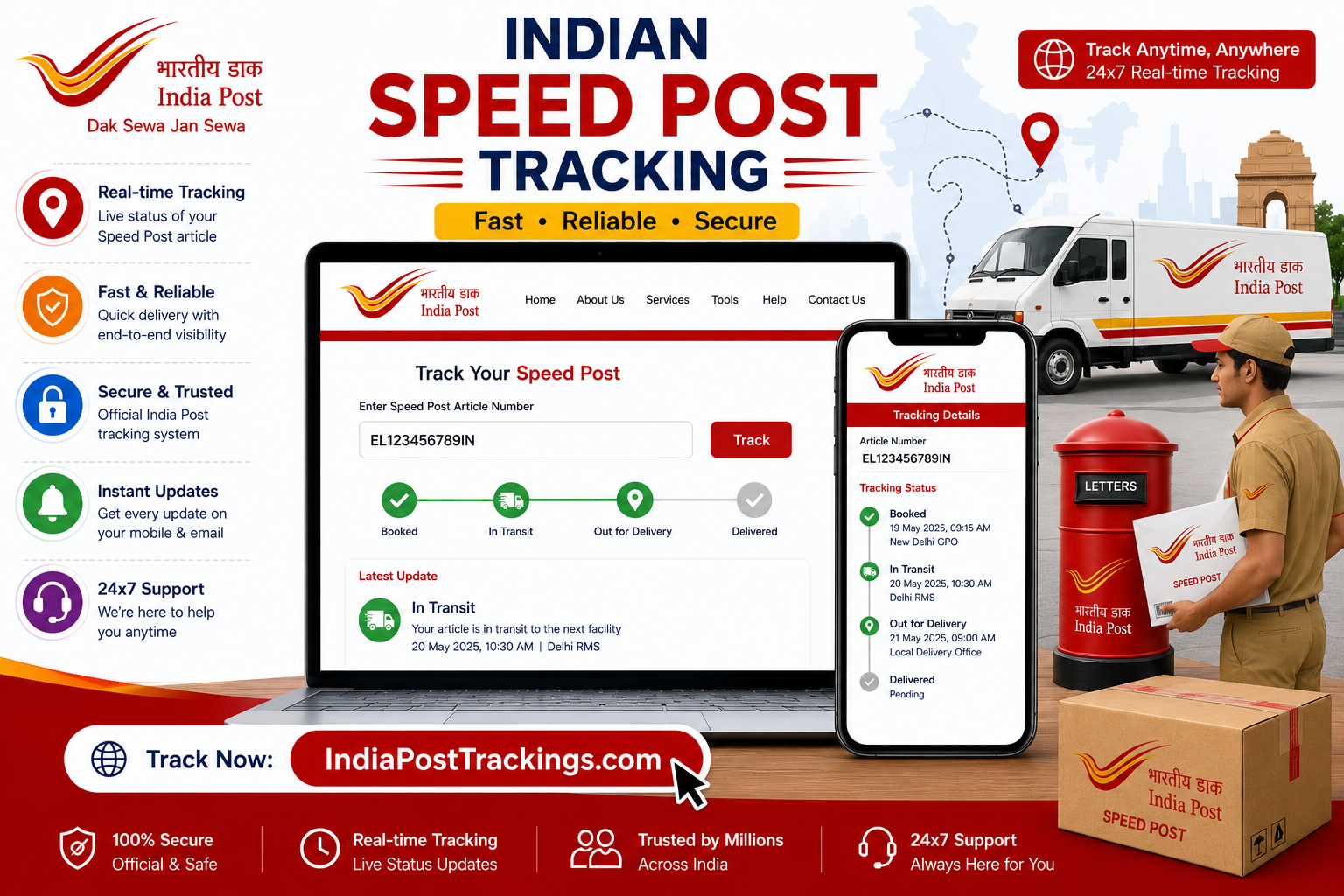
INDIA POST TRACKING GUIDE
How to Track an Article Booked at an India Post Office
Article Tracking India Post Office searches start with one detail: the postal article number printed on the booking receipt. It is different from a seller’s order ID, invoice number or payment reference. Once you identify the correct number, the tracking timeline can show where the item was accepted, processed, dispatched and sent for delivery.
What does “article” mean in India Post tracking?
In postal terminology, an article is a booked mail item. Depending on the service, it may be a Speed Post document, parcel, registered letter, international EMS item or another accountable shipment. The word does not describe the contents of the package; it refers to the postal item moving through the network.
Not every ordinary letter produces an online tracking history. A trackable service must have an article or consignment number that India Post recognises. Keep the original booking receipt because it connects the number with the service, booking office and transaction date.
Find the correct tracking number
Look near labels such as Article Number, Consignment Number or Barcode on the receipt. If an online shop sent the item, ask the seller for the postal tracking number—not only the marketplace order number.
Enter the characters without extra spaces. Check easily confused characters such as the letter O and zero. Our India Post tracking-number format guide explains the most common checks without claiming that one pattern applies to every postal product.
Article tracking in five steps
- Copy the article number. Use the receipt or a reliable message from the sender.
- Open the tracking form. Use the tracker on this site or India Post’s official Track ’N’ Trace service.
- Paste the number carefully. Remove spaces before or after the code.
- Read the newest scan first. Note its location, date, time and status wording.
- Compare the whole route. Earlier events explain whether the item was booked, processed or transferred before the latest update.
A tracking page records scans; it is not continuous GPS. It is normal for an item to travel between facilities without a new public event appearing at every stage.
How to understand common status messages
Status language can vary by service and route. Concentrate on the latest event and its location instead of treating one phrase as a guaranteed delivery time.
Why an article may show no result
A blank result does not automatically mean the article is lost. Common explanations include a typing mistake, a very recent booking that has not reached the public system, or an order reference being used instead of the postal number.
- Compare every character with the receipt.
- Ask the sender to confirm that the item was physically accepted, not merely labelled.
- Try again after the next processing interval.
- Check whether the service purchased includes public tracking.
Never share an OTP, payment information, full address or identity document with an unofficial support account claiming it can “activate” tracking.
What to do when tracking stops updating
First, record the last scan rather than repeatedly submitting the number. Note the date, facility and status. A gap may represent transport between offices, a weekend or holiday, an international handover, customs processing, or a missed public scan.
If the item has exceeded the service estimate given at booking, the sender should keep the receipt and contact India Post with the article number and booking details. The official customer-care page currently lists a toll-free number and directs users to tracking-problem and complaint resources. For a structured escalation, follow our India Post complaint guide.
Domestic and international article tracking
Domestic Speed Post and other accountable services normally show events within India’s postal network. International articles can have longer gaps because airline movement, destination-country processing and customs activity may occur between visible scans. India Post confirms that International Speed Post provides online Track & Trace, but country-specific limits and destination handling can differ.
For an international shipment, compare the India Post history with the destination postal operator only after the item has reached the destination network. Our international tracking guide explains handovers and customs-related delays in more detail.
Article tracking checklist
✓ Correct postal article number
✓ Latest scan date and location recorded
✓ Booking receipt kept safely
✓ Sender and recipient details checked privately
✓ Official complaint route used when escalation is necessary
Frequently asked questions
Is an article number the same as a consignment number?
On many India Post tracking journeys, the terms point to the shipment identifier used to retrieve scan events. Always use the number printed on the postal receipt.
Can I track an India Post article using a mobile number?
A mobile number is not normally a substitute for the article number in the public tracking form. Request the postal identifier from the sender.
Does “dispatched” mean the item will arrive today?
No. It means the article left the facility shown in that event. “Out for delivery” is the status more closely associated with a local delivery attempt.
How often should I refresh tracking?
New information appears when another postal scan is recorded. Checking once or twice a day is generally more useful than refreshing repeatedly.
Where should I verify important information?
Use the official India Post website for authoritative tracking, current service information and official support.
Independent tracking guidance
IndiaPostTrackings.com is an independent informational service and is not operated by the Department of Posts. Tracking results depend on scans recorded by the postal network. For formal complaints, payments or service commitments, use official India Post channels.