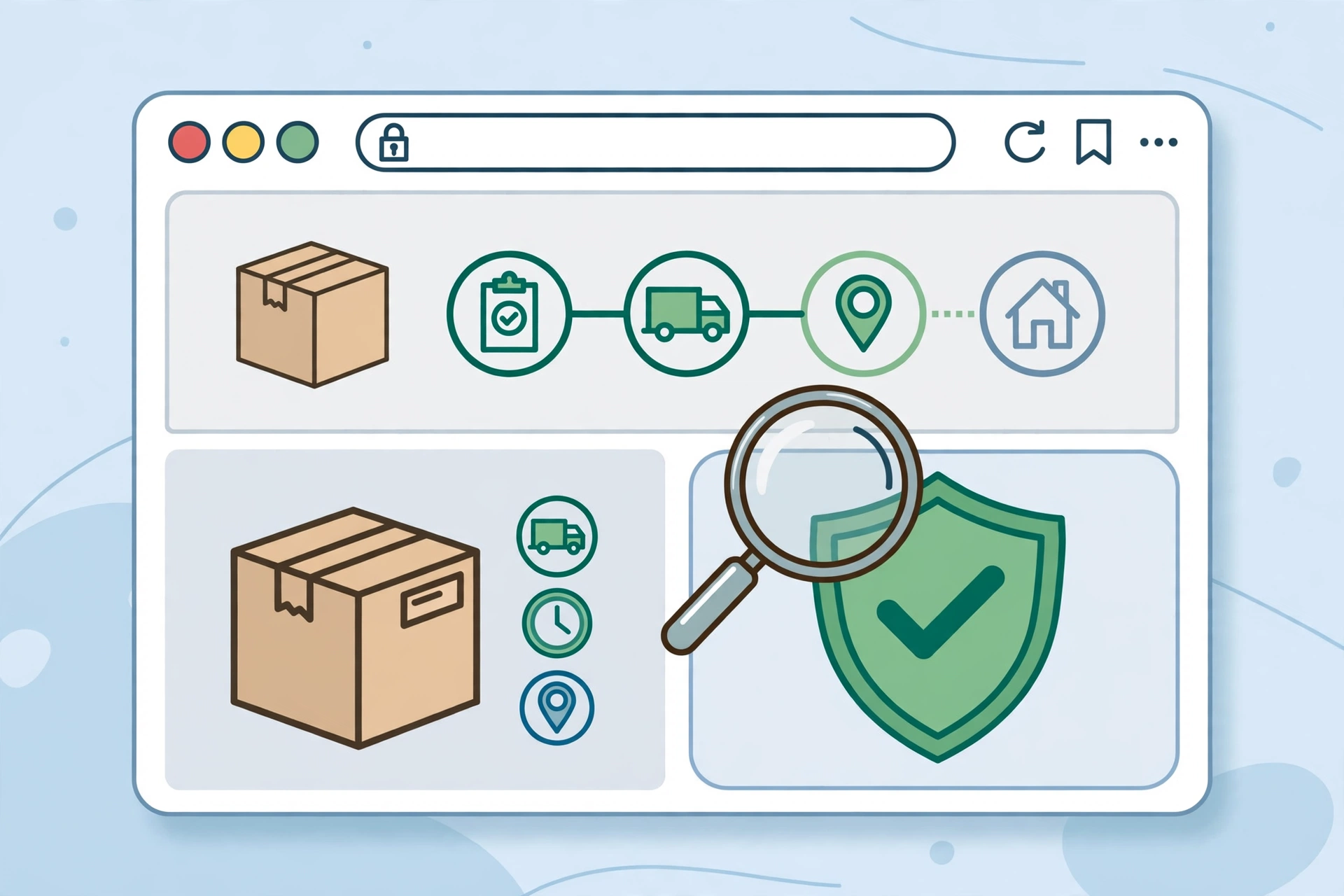
The one real India Post tracking website — and how to recognise it
Type “india post tracking website” into Google and you will get a wall of results that all look the same. Tool sites, blog posts, tracking widgets — dozens of them claim to be the place to check your parcel. Only one of them is actually run by India Post: indiapost.gov.in. Everything else is a third party.
That distinction matters more than most people realise. If you just want to track a parcel now, our homepage tracking guide takes you straight to the official tracker. When you paste a 13-digit tracking number into the wrong site, nothing bad happens in most cases — but fake lookalikes also exist, and they are built to harvest your phone number, OTP, or payment. Knowing what the genuine India Post tracking website looks like takes ten seconds, and it protects you every time you track.
Start with the URL anatomy. The official site ends in .gov.in — the domain extension reserved for Government of India services. No legitimate India Post service will ever ask you to log in, pay a fee, or enter card details to see your tracking status. India Post also runs its new DOP IT 2.0 portal at app.indiapost.gov.in, but for everyday parcel tracking, indiapost.gov.in is the address to bookmark.
Why hundreds of lookalike tracking sites exist — and how to tell them apart
Lookalike sites are not an accident. Tracking queries like “india post tracking website” attract enormous search volume, so hundreds of websites exist to capture that traffic with their own trackers, map views, and email-alert sign-ups. Most of these are legitimate third-party tools: they fetch the same public scan data and repackage it. A smaller number are straight scams.
Here is how to tell the categories apart quickly:
- Official: URL ends in gov.in; tracking is free; no account, no payment, no phone-number harvesting beyond the number you typed.
- Legitimate third party: offers multi-courier tracking or extras like email alerts, and clearly states it is not affiliated with India Post.
- Suspicious: asks for your mobile number, an OTP, or a “redelivery fee” of Rs 10–50 to release your parcel. India Post never does this.
The scam version is real and current. As our track consignment guide notes, Rajasthan Police issued a warning in October 2026 about fake SMS and WhatsApp messages impersonating India Post — “parcel held, pay Rs 10–50 to release” — that direct victims to lookalike sites. Any tracking website that reaches you through such a message and asks for money is a fraud.
Walking through the official tracker, step by step
Once you are on the real India Post tracking website, the process is deliberately simple:
- Open indiapost.gov.in, the official India Post portal.
- Find the Track Consignment option on the homepage.
- Enter your 13-character consignment number — the two-letters, nine-digits, two-letters format (ending in IN) printed on your post office receipt. Our tracking number guide explains how to decode it.
- Complete the captcha verification and submit.
- Read the result: the full event history of your article, from booking to delivery.
The tracker is completely free. If any page claiming to be the official India Post tracking website asks for a payment or a login before showing results, close it — you are not on indiapost.gov.in.
Reading the official status page: what each status actually means
The results page shows scan events — moments when your parcel physically passed a scanner at a post office or sorting hub. India Post’s own tracking text describes the system as “updated periodically,” which is the honest way of saying: new events appear only when your article is scanned.
Booked
Your parcel was accepted at the booking office and registered in the system. This is the first event you will ever see.
Dispatched / Received at locations
Your article moved between offices. Each scan at a transit or sorting office adds a new line. Long gaps between these lines are normal on long routes.
Delivery Intimation Notice issued
The postman could not complete delivery and left an intimation slip. Collect the article from the post office named in the slip, with ID proof.
Delivered
The final scan. If it says delivered and you have nothing, see the FAQ below — this has a specific set of fixes.
“No records found”: the 5 real reasons and what to do about each
This error causes more panic than any other. The five genuine reasons are:
1. The parcel was booked less than a few hours ago. The booking office scan can take time to appear. Wait 6–12 hours and retry.
2. A typing error. The 13-character format is unforgiving — one wrong digit returns nothing. Compare the number on screen against the physical receipt, character by character.
3. Wrong website field. Some third-party pages labelled “india post tracking website” run their own databases. If the official tracker shows your number but another site does not, trust the official one.
4. The number is not an India Post number. Parcels handed to a different courier at the counter (or booked online through another service) cannot be tracked on indiapost.gov.in. Confirm which carrier has the parcel.
5. Old data expiry. Very old numbers (typically several months after delivery) are purged from the active database and stop returning results. If your query is about an old delivery, visit the post office with the receipt.
When the website is NOT the answer: four official alternatives
Sometimes the tracker cannot help — the site is down, your number is brand new, or you have no internet. India Post runs four other official tracking channels:
- SMS: send
POST TRACK <your number>to 166 or 51969. Works from any phone, no data needed. - Helpline: 1800 266 6868 (toll-free), agents 8 AM–8 PM; the IVRS line runs 24/7, every day of the year except gazetted holidays.
- DakSewa app: the official India Post mobile app, available through the QR download on indiapost.gov.in.
- Post-office counter: the oldest method still works — take the receipt, ask at the counter, and a clerk will read the status from the same system the website uses.
If a delivery has genuinely gone wrong, escalate through the official complaint portal at crm.indiapost.gov.in (linked from the India Post homepage) or call the helpline above. Never escalate through a random third-party tracking site — only the official channels can move a parcel.
Frequently asked questions
How do I track a Speed Post consignment in India?
Use the official India Post tracking website — indiapost.gov.in — enter your 13-character consignment number in the Track Consignment tool, complete the captcha, and read the scan history. Speed Post, registered post, and parcels all use the same tracker.
Why is my tracking number showing “not found”?
Usually one of five things: the booking scan has not appeared yet (wait 6–12 hours), a typing error, using a third-party page instead of the official India Post tracking website, the number belonging to a different courier, or very old data being purged. Recheck the receipt and try the official site first.
What if Speed Post shows delivered but I did not receive it?
First, check with family members, neighbours, and the building security — “delivered” can mean handed to a representative. Then ask at your delivery post office with the tracking number and ID proof; they can tell you exactly where and to whom the article was handed over. If the parcel is genuinely missing, register a complaint at crm.indiapost.gov.in or call 1800 266 6868.
Is the official India Post tracking website free?
Yes — tracking on indiapost.gov.in is completely free, with no account or payment. Any “india post tracking website” that demands a fee, an OTP, or card details to show your parcel status is not the official site and should not be trusted.
How can I tell a fake India Post tracking website from the real one?
Check three things: the URL must end in .gov.in (real sites never live on .com or .info), tracking must be free with no login, and it must never arrive via an SMS/WhatsApp message demanding a small payment. When in doubt, type indiapost.gov.in directly into your browser instead of clicking a link.